


Three Print Design Basics that Everyone Should Know:
I’ve seen Companies and Graphic Designers come up with great ideas only to come up short in their execution of printing. They create their designs with a dpi(dots per inch) resolution of 72, a common web site parameter instead of 300 dpi, the resolution needed for presses and machines to produce a high quality print. Color settings should be CYMK, not RGB. This will give machines a more accurate color and separations for pressmen. If your settings are RGB, the color will usually come out darker, therefore, your print may not look the way you want it.
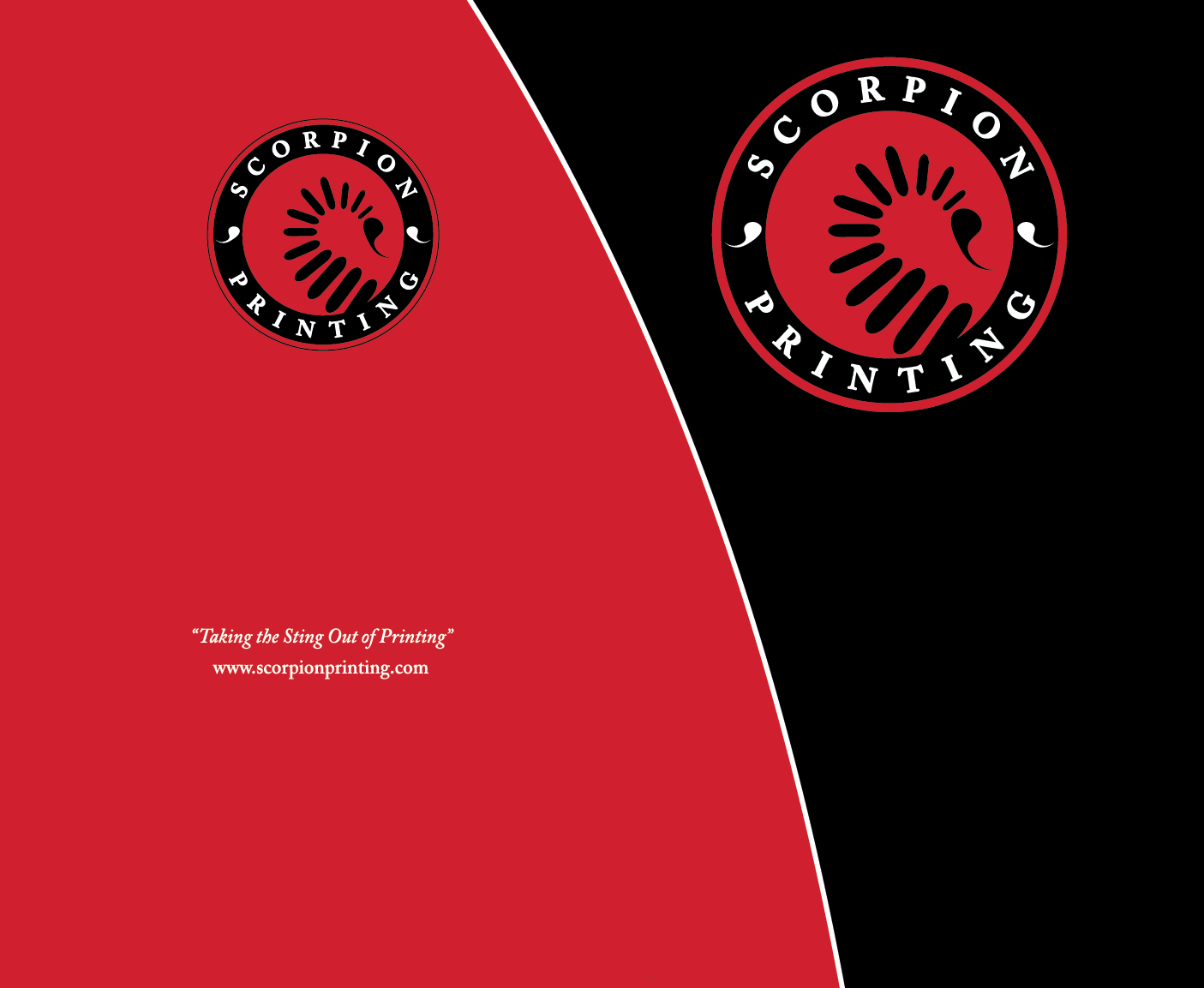
Presentation Folder No Bleed
Another common mistake are design bleeds. Design Bleeds are a common term used for printers and designers, to extend images larger than the actual size. After printing, the image is cut to actual size. If this doesn’t happen, two things could happen. The first, the paper stock will be seen on the side of the image. Secondly, a printer will cut into the image creating a smaller piece, but you get a clean cut. This happens because paper will shift slightly as it’s cut. For example, the images to the left, the bottom image has bleeds and the top image is the final size. The Design Bleeds and crop marks can be accomplished in both Illustrator and InDesign. Designs can be made in Photoshop, but it’s a more complicated process.

Presentation Folder w Bleed
Lastly, same page designs. Same Page Designs are multiple files on the same page that can cause delays in printing. The designs need to be recreated at their own respective size. This happens in double sided designs, for instance, business card, postcard and brochure designs.
Feel free to reach out to Scorpion Printing with any printing questions.
Comments are closed